Describe to edit
Type the change you want — the AI image editor updates the photo from your words.
Transform, enhance, remove, or replace anything in your photos with the AI image editor that needs no Photoshop skills.
This AI image editor lets you switch models in one place — pick GPT Image, Flux, Seedream, and more, then describe the change.
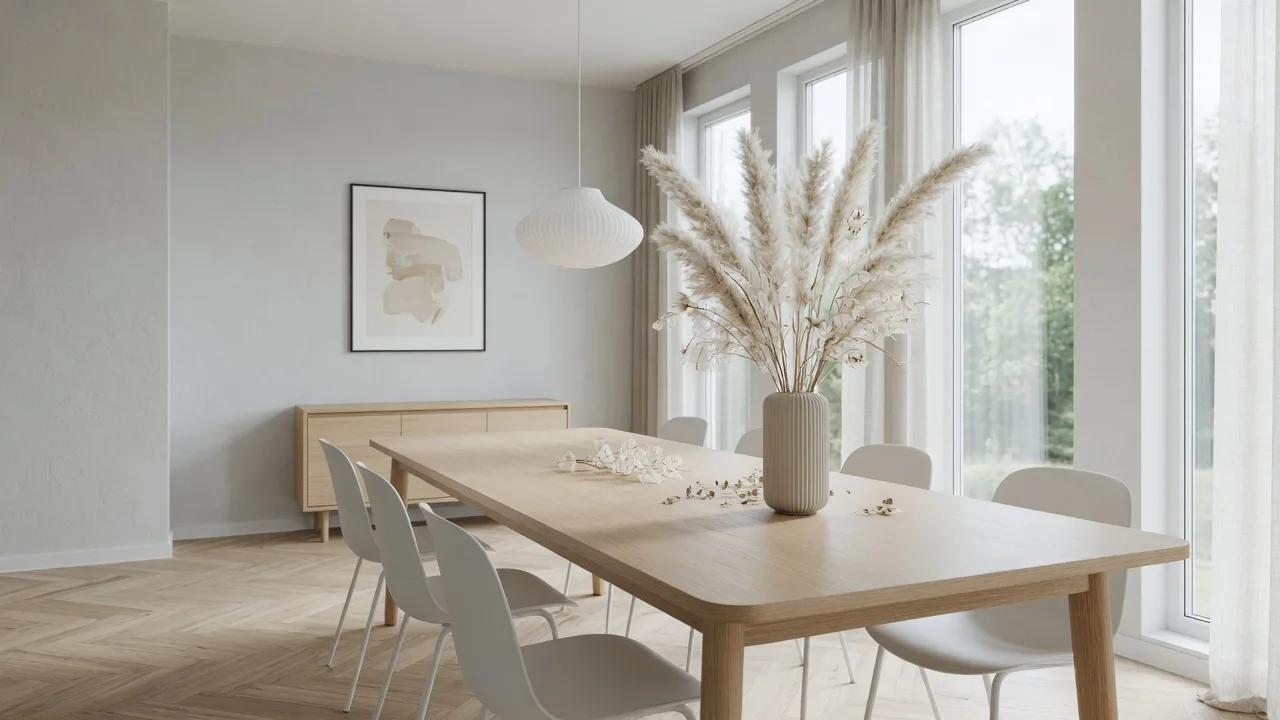
Change one part of a photo and the rest stays put — the flagship model in our AI image editor, with real transparent PNG output.
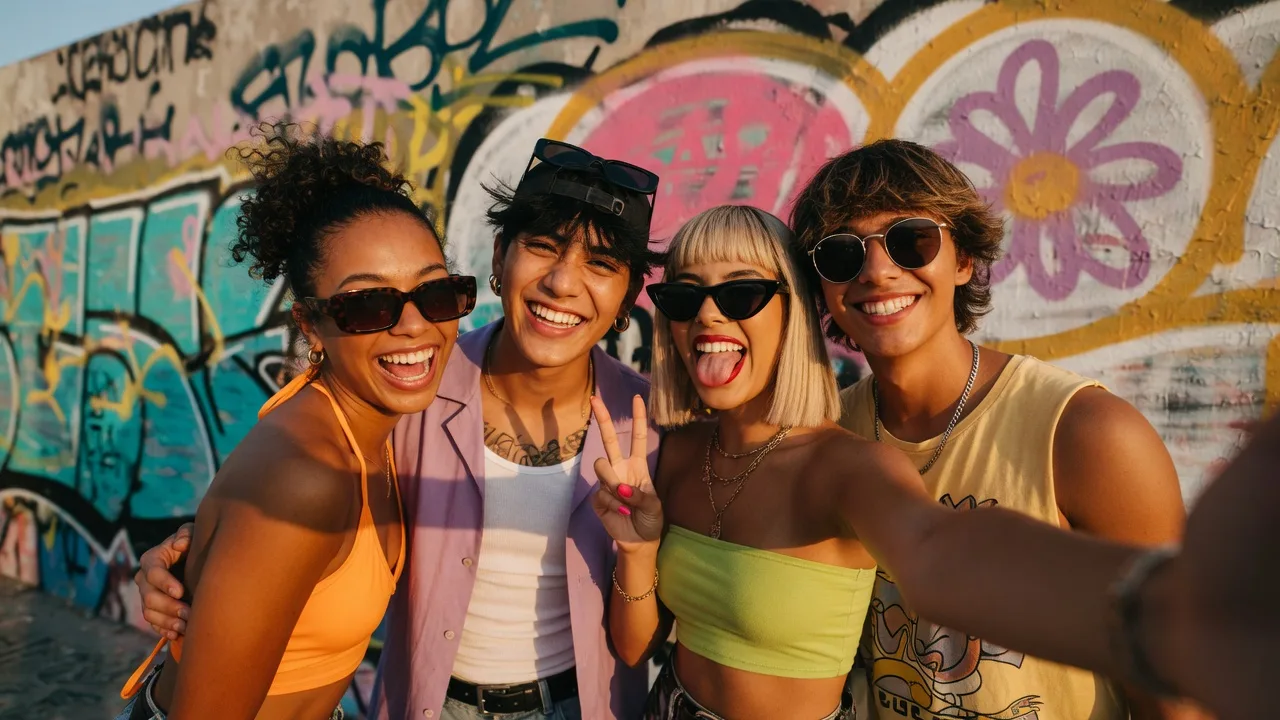
Google's next-gen image model, built into the AI image editor for instant professional creativity.
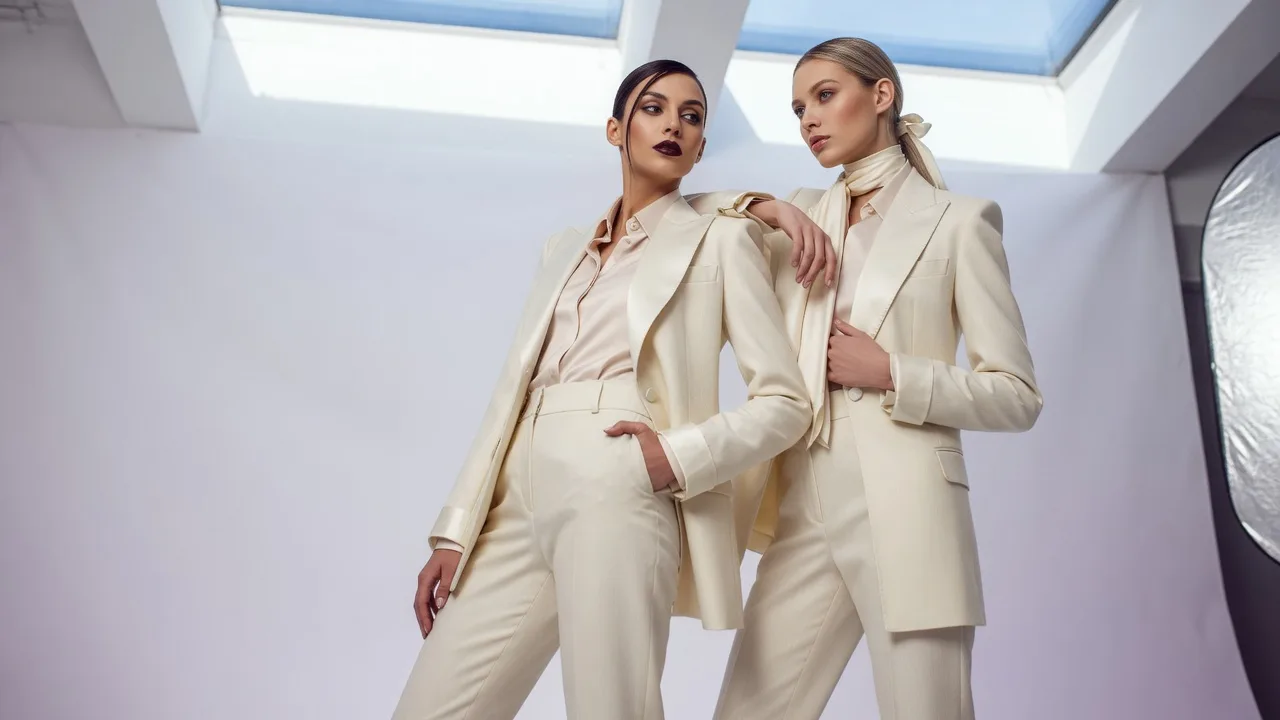
Create high-resolution images from text with xAI's latest Grok Imagine 2.
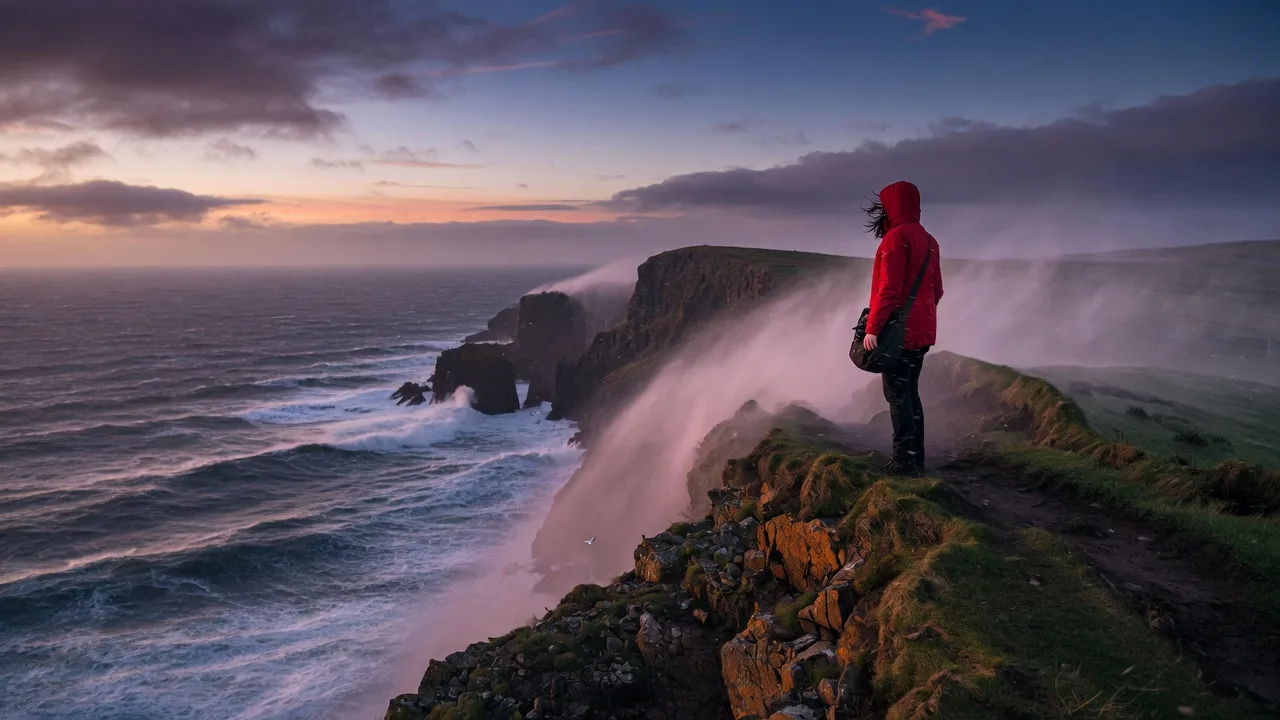
Photoreal detail and precise prompt following in the AI image editor, from Black Forest Labs.

Edit a photo in the AI image editor with one sentence, or generate from scratch in 4K.
An AI image editor for real photos: describe the change, keep the rest of the shot, and skip the steep learning curve.
Type the change you want — the AI image editor updates the photo from your words.
Switch between GPT Image, Flux, Seedream, Grok Imagine 2, and NanoBanana.
Change one object and the rest of the photo stays exactly as it was.
The AI image editor takes things out, swaps in something new, or fills the gap cleanly.
Square, portrait, landscape, or auto — pick the frame in the AI image editor before you generate.
Sharpen detail and quality without leaving the AI image editor.
Drop a JPG, PNG, or WebP into the AI image editor — or start from a prompt alone.
If you can describe it, you can edit it. This AI image editor runs in the browser — nothing to install.
One sentence in an AI image editor. Remove a background, change a pose, relight a scene, or add and remove objects without layers.
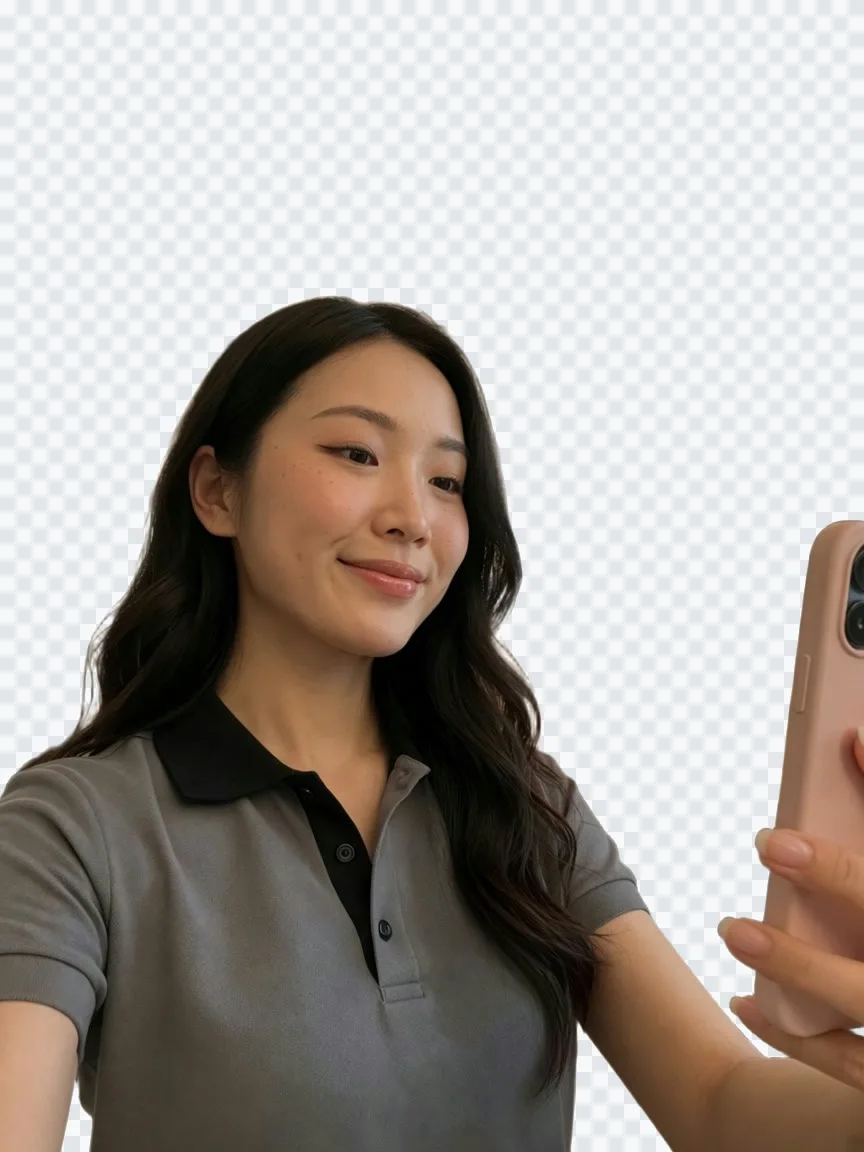
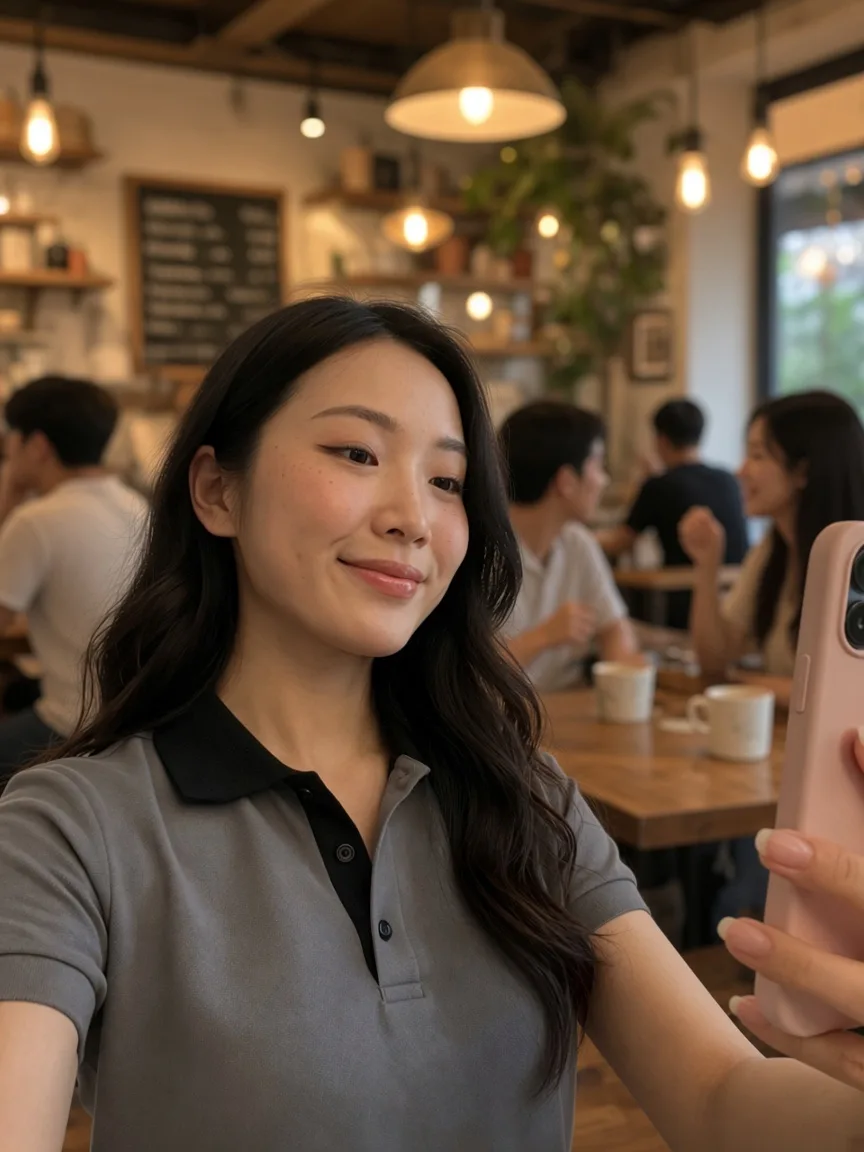
The AI image editor cuts the subject out in one click — clean edges and a real transparent PNG.
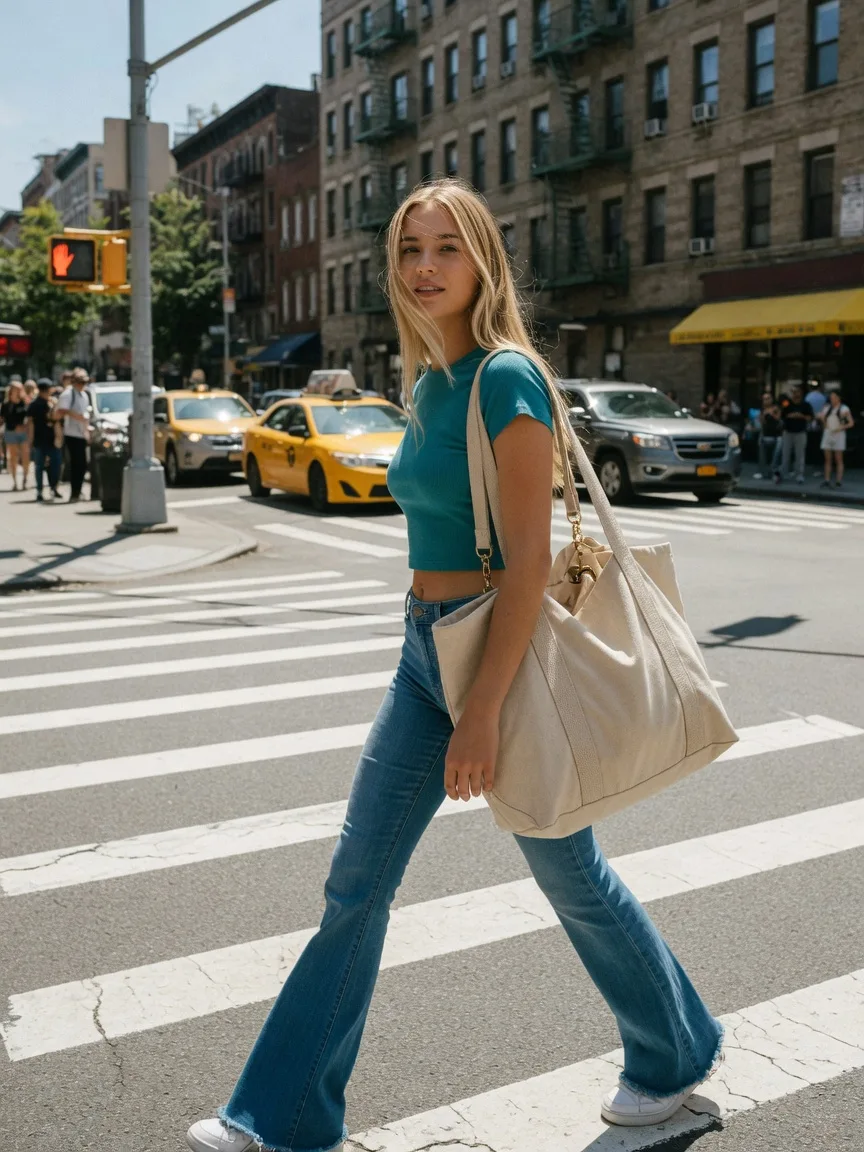
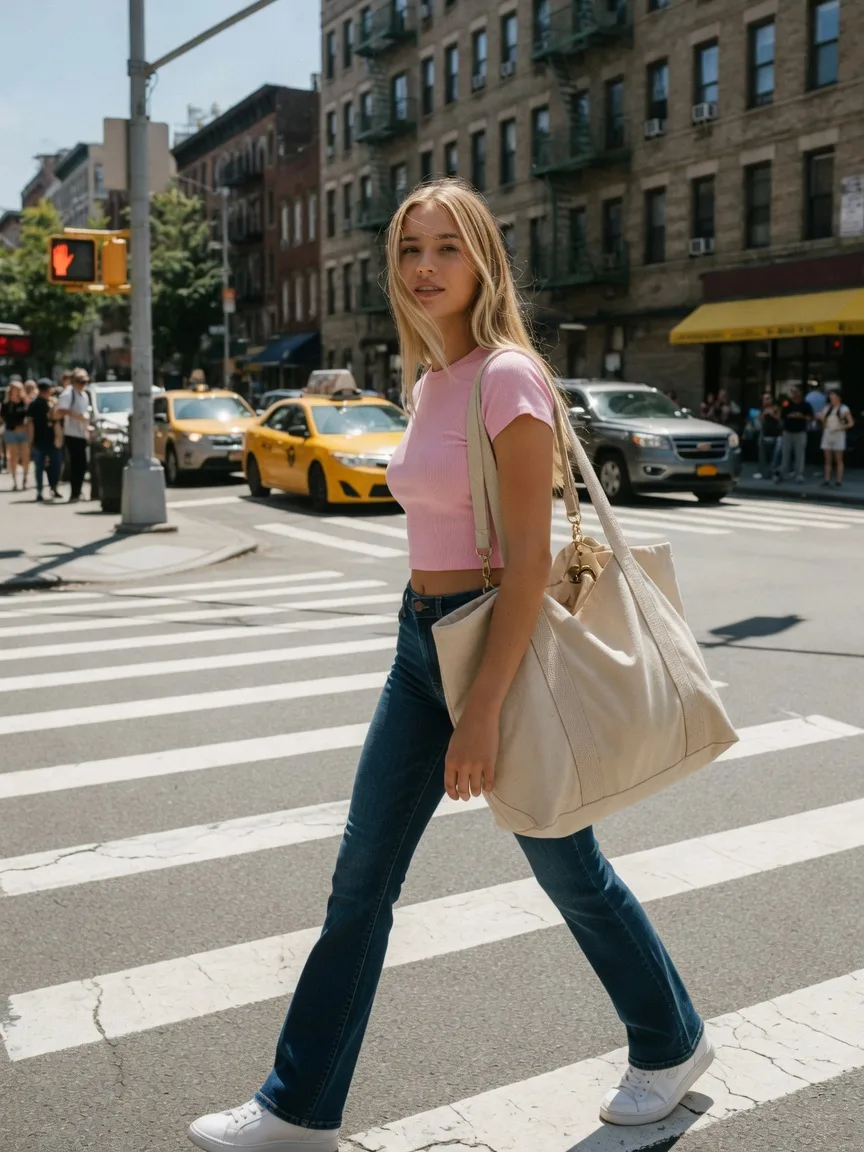
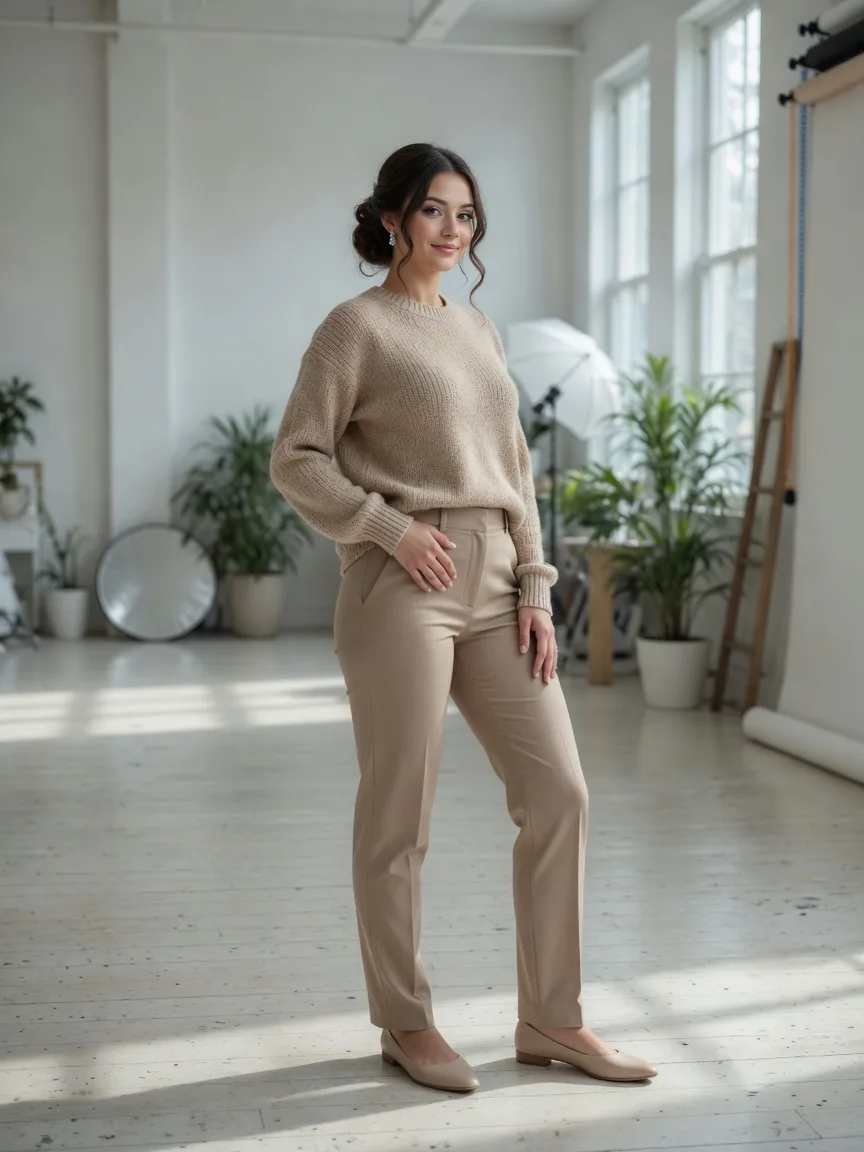
The AI image editor swaps clothes — color, material, even full outfit changes.
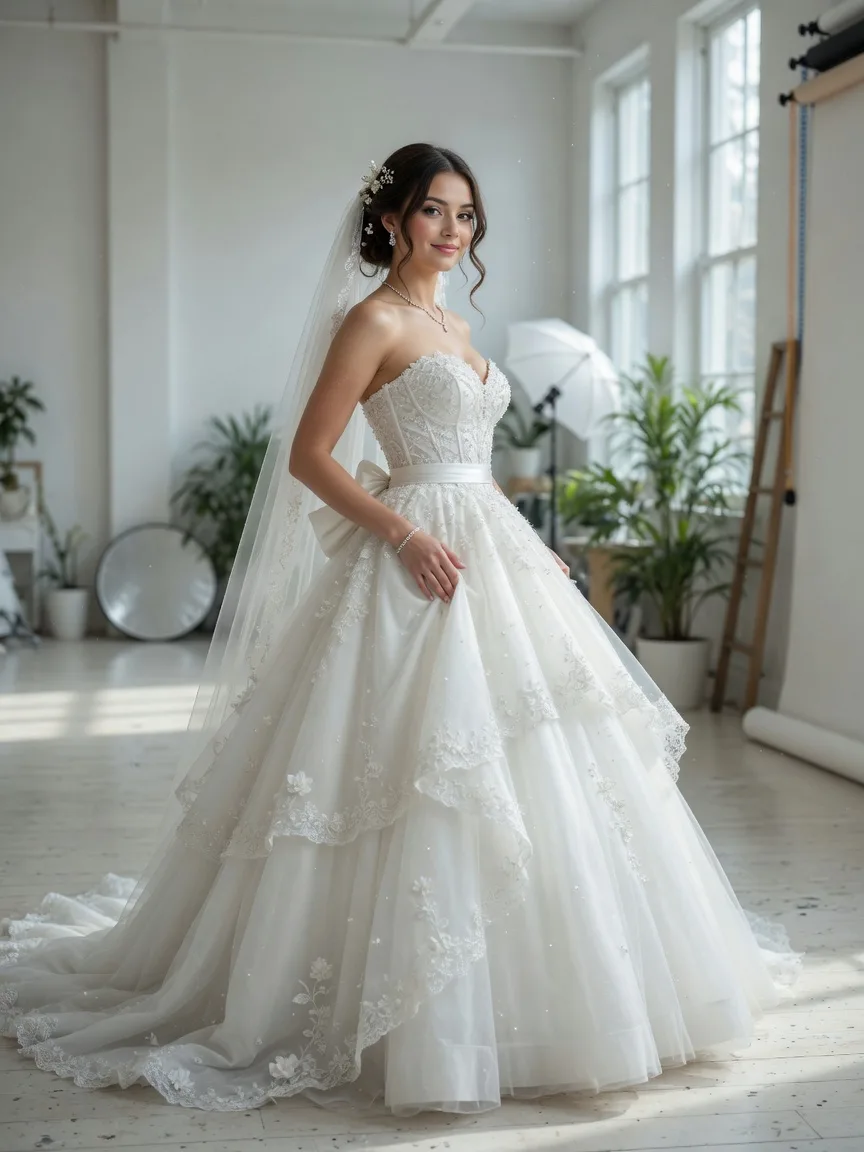
Preview bridal silhouettes in the AI image editor — ballgown, mermaid, A-line — before any fitting.
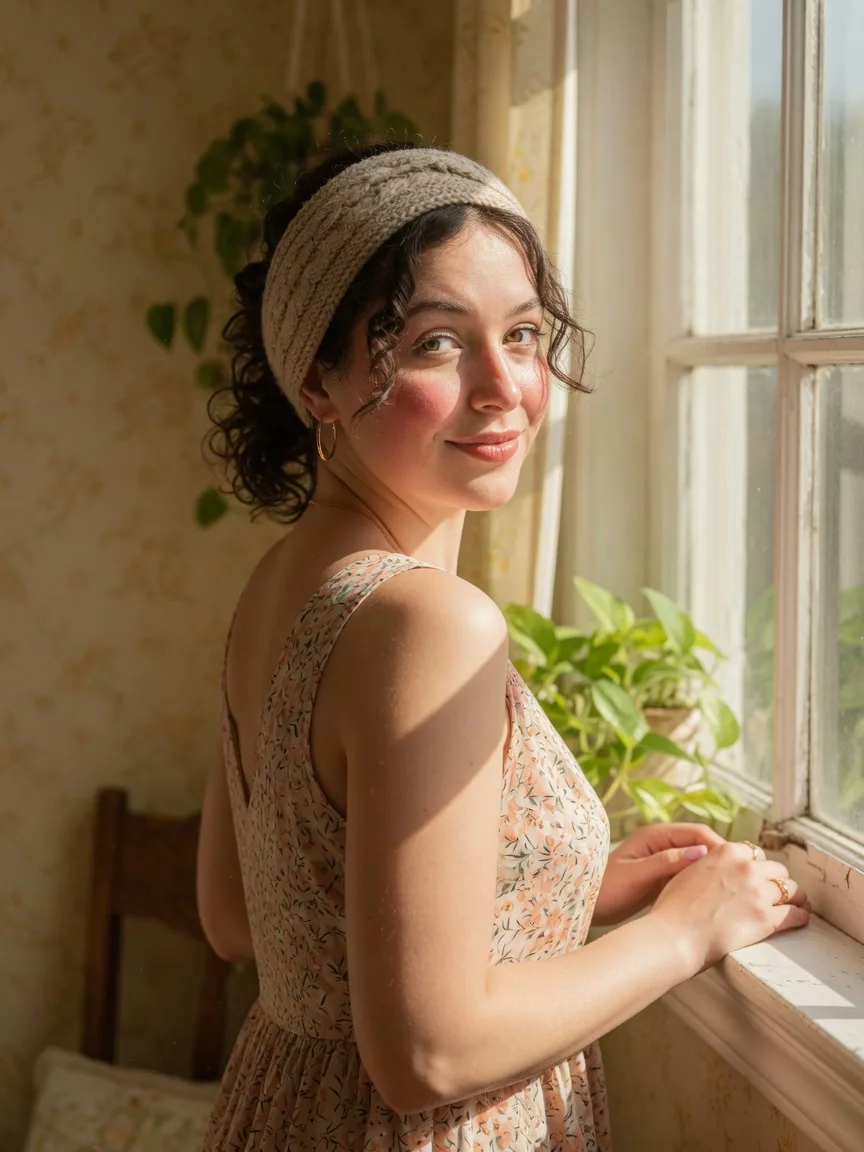
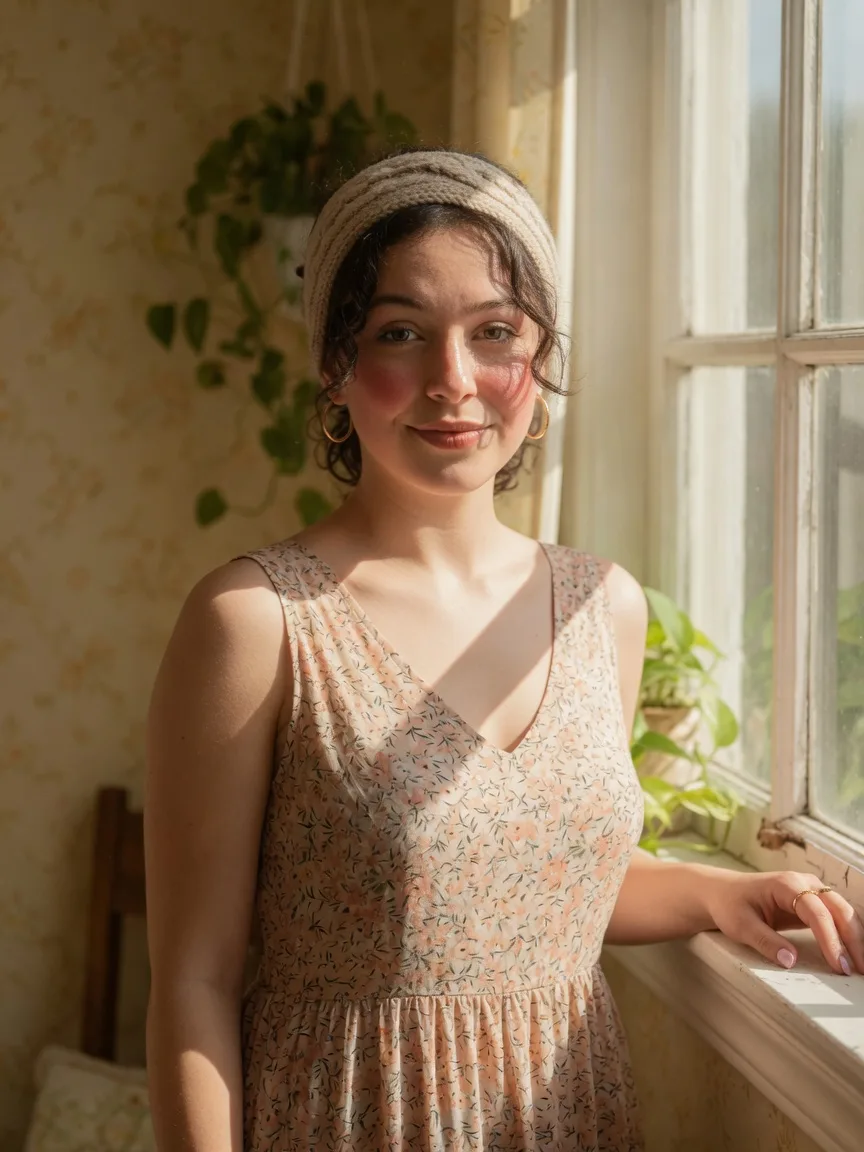
The AI image editor reorients the subject, fixes expressions, and changes the gaze direction.
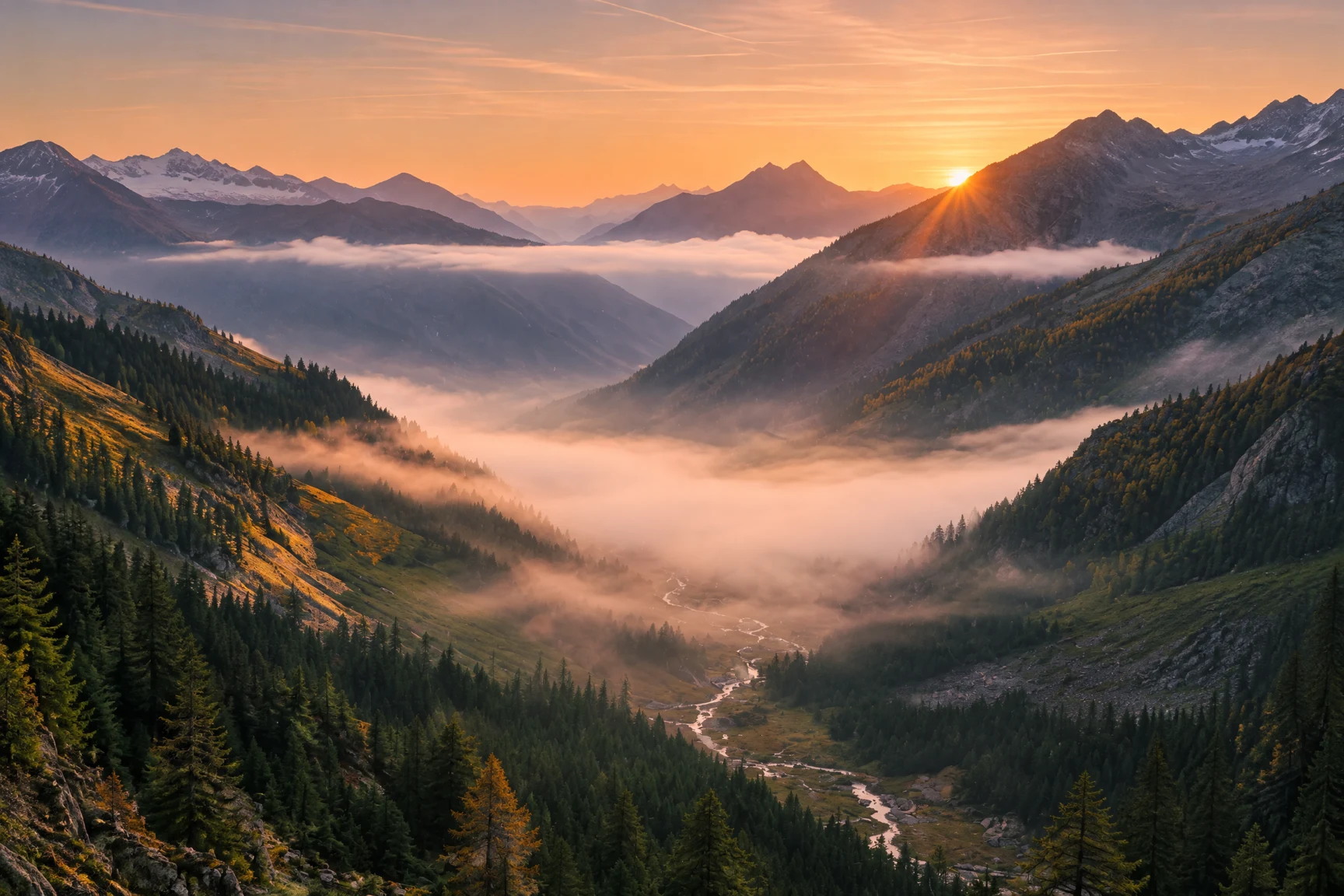
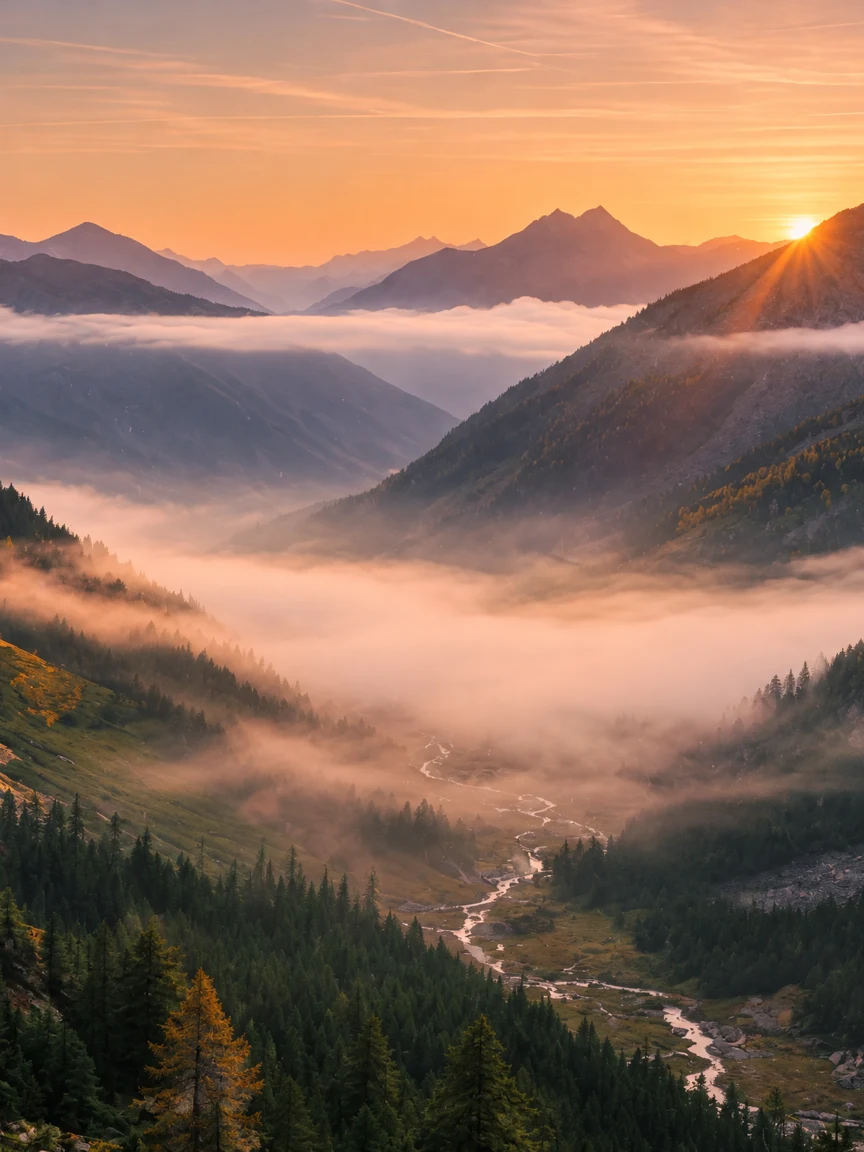
The AI image editor extends the canvas, changes the ratio, recomposes the shot.
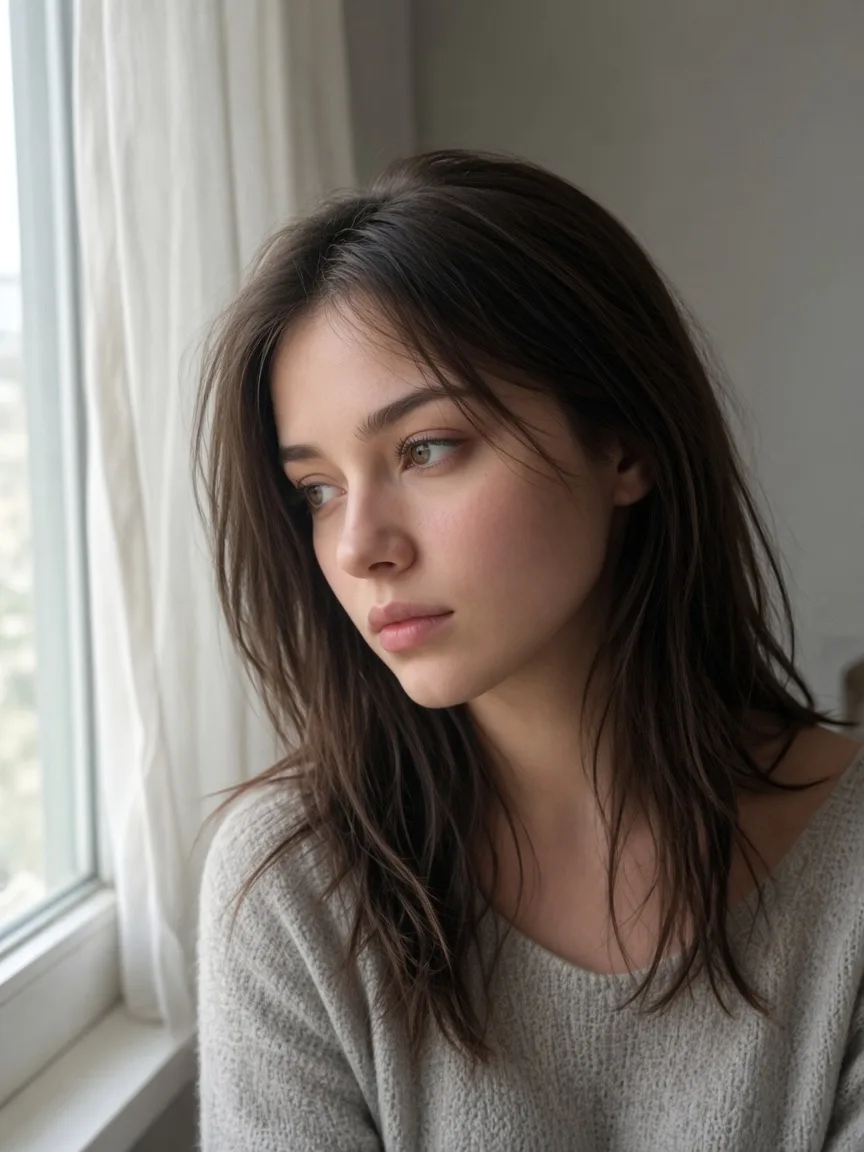
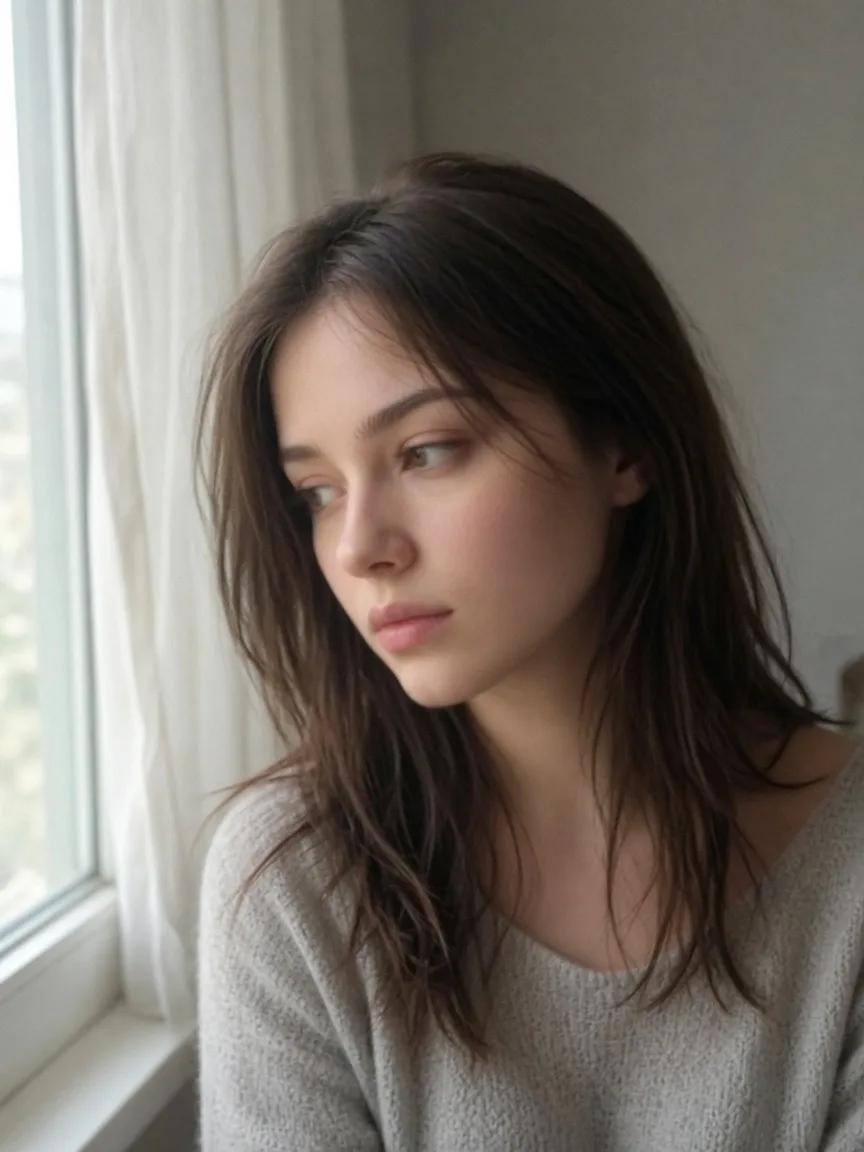
Sharpen a photo and lift the resolution without a reshoot.
See how an AI image editor turns a short prompt into a finished photo. Restore, clean a scene, or restyle a portrait.
Input: Bring faded memories back to life. Remove scratches, repair damage, and recover natural color.
Result: A clean, sharp photo with damage removed and natural colors recovered — restored by the AI image editor in one pass.
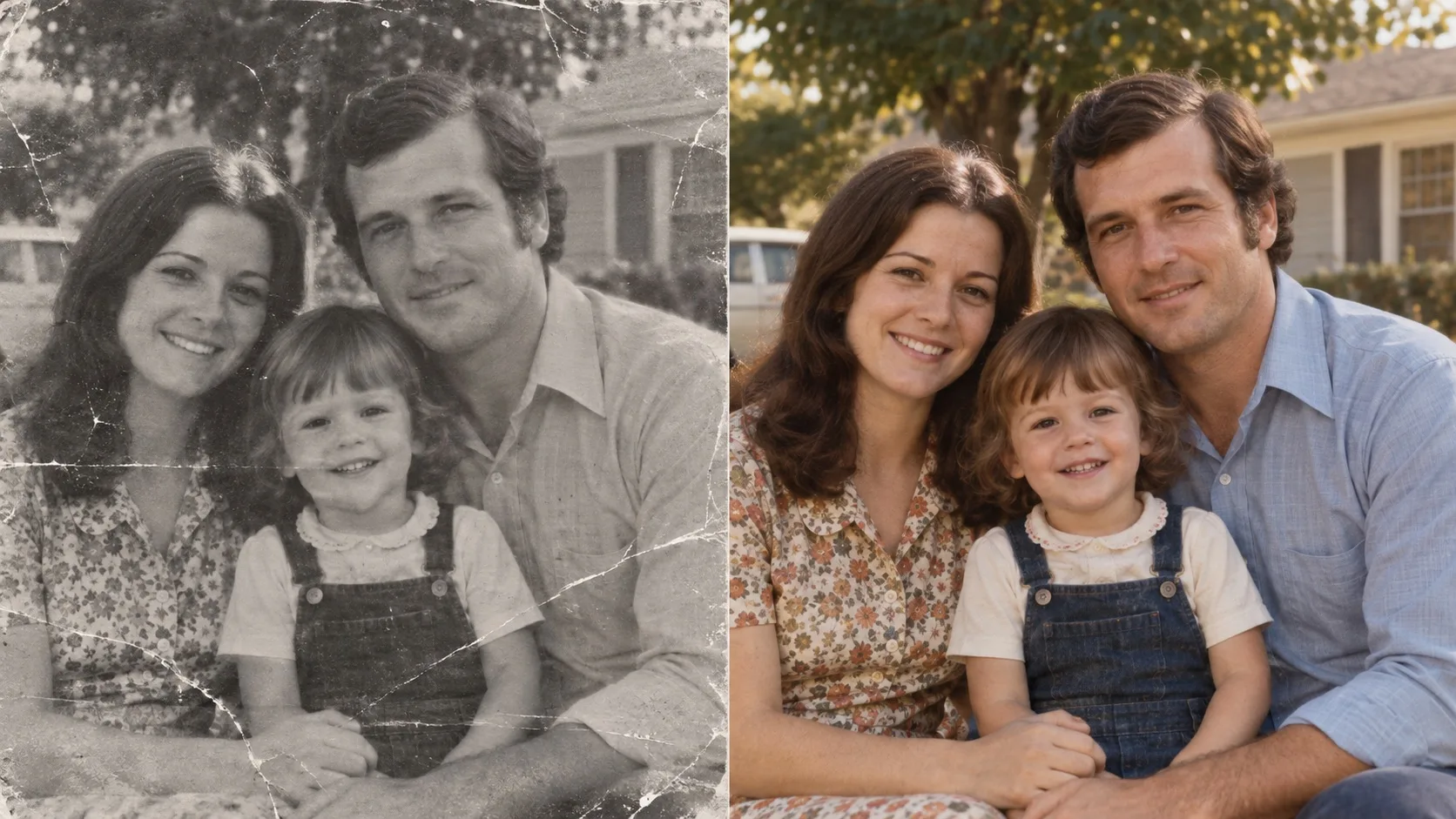 BeforeAfter
Input: Get the shot you imagined — the AI image editor removes distracting people and keeps the scene natural.
Result: The same scene with the background cleared and naturally filled in by the AI image editor.
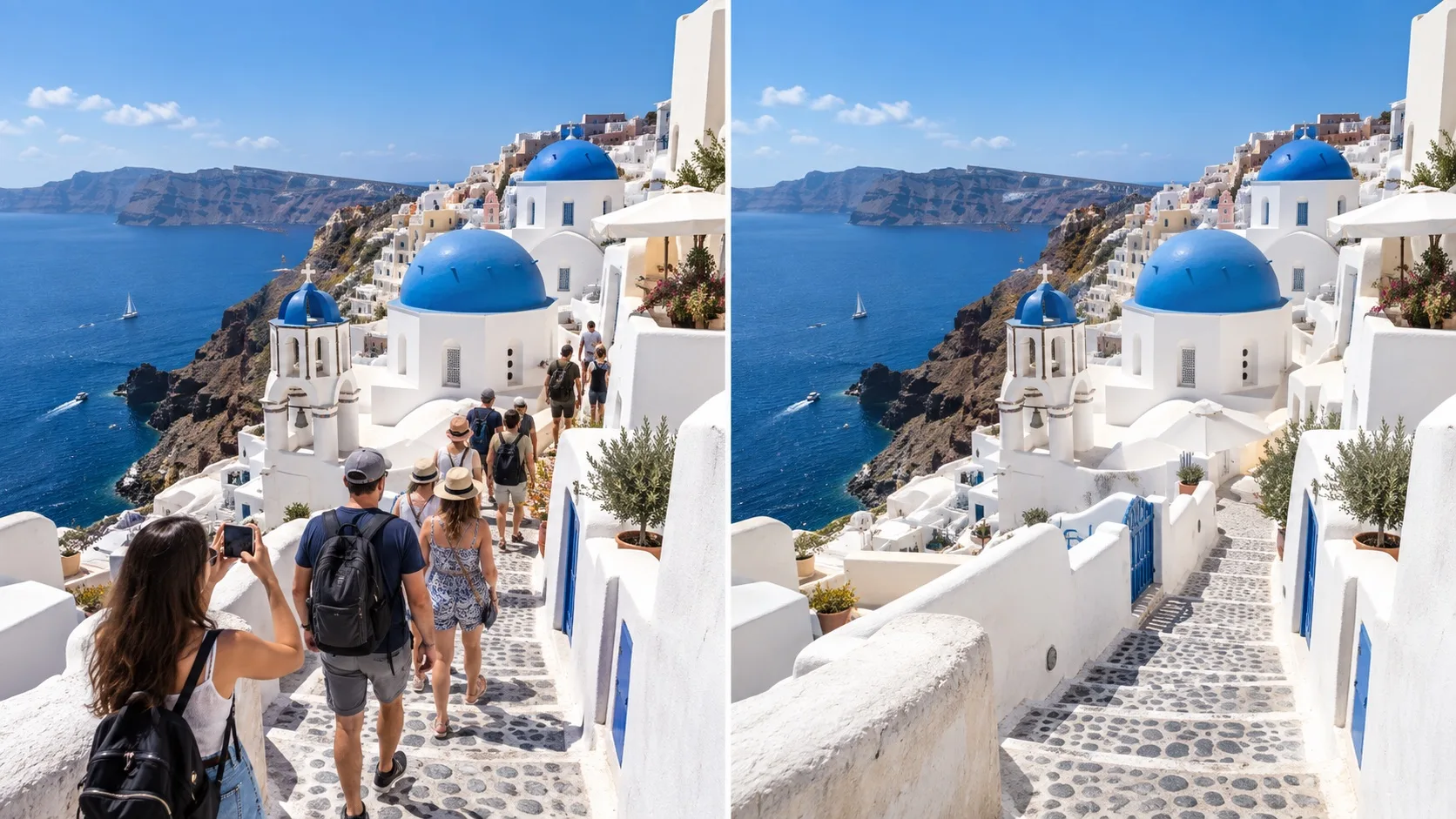 BeforeAfter
Input: Create a whole new look. Keep the subject recognizable while transforming the style.
Result: An anime-style illustration that keeps the subject recognizable — one prompt in the AI image editor.
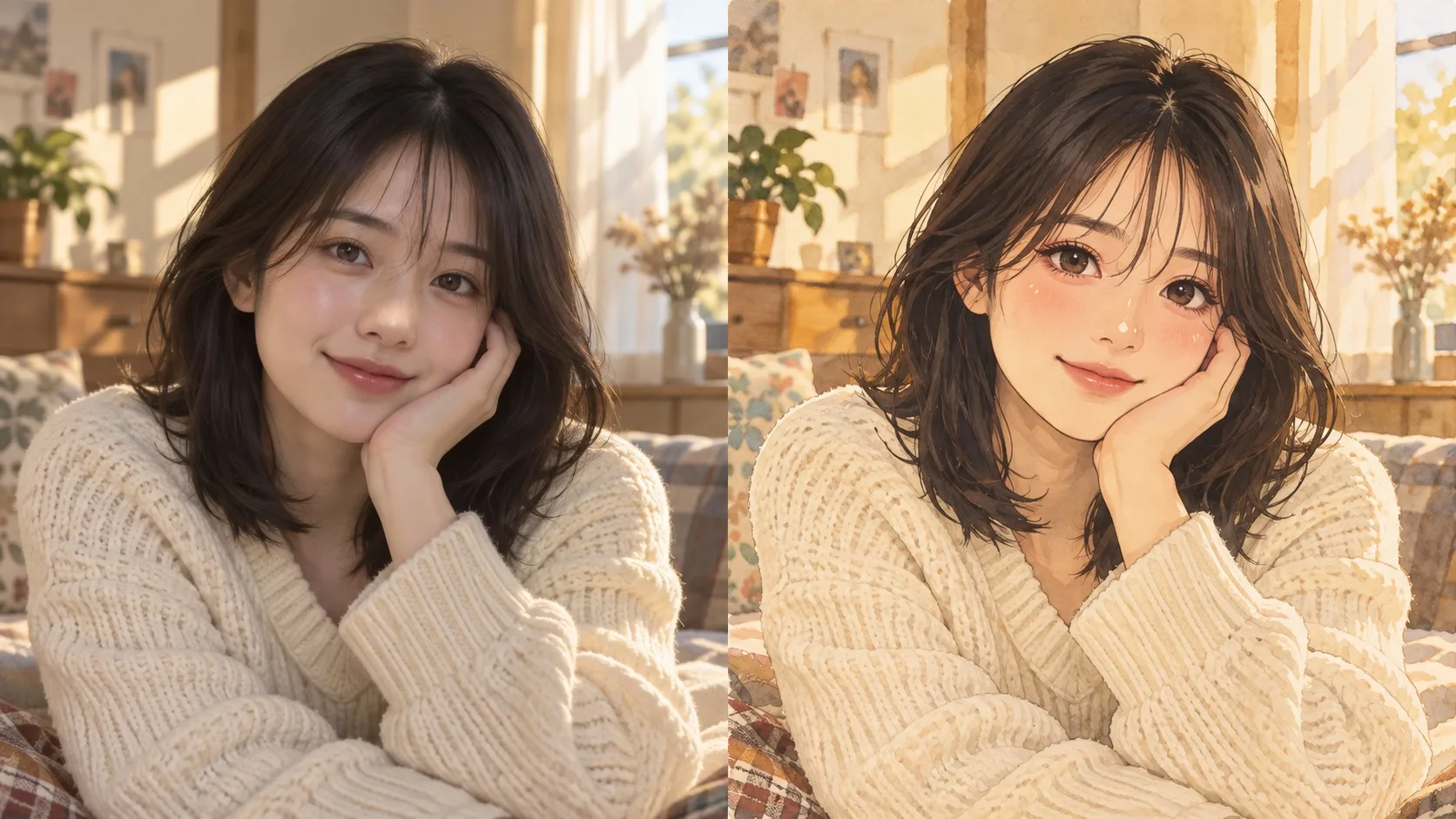 BeforeAfter
Use this AI image editor in three steps, about one minute. It runs in your browser — no download, no sign-up to start.
Step 1
JPG, PNG, or WebP, up to 20 MB.
Step 2
Type what you want changed, or pick a tool in the AI image editor.
Step 3
The AI image editor returns your edited photo in seconds.
 edytro.comvs traditional editors vs AI photo apps
An AI image editor should be fast to learn, work in the browser, and start free. Here is how edytro.com compares.
| edytro.com | Photoshop & traditional editors | Typical AI photo apps | |
|---|---|---|---|
| Learning curve | Just type what you want in the AI image editor | Steep — layers, masks, tools | Moderate |
| Tool coverage | Multiple AI models in one AI image editor | Comprehensive but complex | Usually one feature |
| Batch processing | No scripts — just describe the edit to the AI image editor | Needs scripting | Rarely supported |
| Works on | Any browser — the AI image editor runs online | Desktop install | App download |
| Price | Free to start, from $2.99 | Monthly subscription | Monthly subscription |
Subscribe from $9.99 or try the AI image editor for a week at $2.99 — credit packs never expire.
Edit counts assume 6 credits per edit (1K, standard model). Higher resolutions and premium models cost more.
Starter
billed monthly
For everyday edits
Pro
billed monthly
For regular editing
Max
billed monthly
For heavy weekly use
Credits never expire. Subscription credits are used first.
Process hundreds of photos at once, chain multiple edits into one workflow, and manage every project in a single place — the AI image editor built for photographers and power users.
Common questions about using an AI image editor online — prompts, files, credits, and whether you need design software.
An AI image editor changes a photo you already have. You upload the file, describe the result in a sentence, and the model updates only what you asked for — a background, an object, lighting, or a style — instead of building a picture from nothing. Edytro is built around that workflow so a family snapshot, a travel shot, or a product photo can be revised without opening a desktop suite.
You can open the AI image editor in your browser and start without paying. Try a first edit, see the result, then decide. Credits on paid plans and one-time packs are optional when you want more generations in a month. Nothing on the homepage requires a card just to look around.
No. The AI image editor runs in the browser. There is nothing to install on Windows, macOS, or a phone. Sign in later if you want to save projects, keep a history of edits, or buy extra credits. Until then you can still upload a photo and type a change.
After you upload a photo, type a plain instruction such as restoring scratches, clearing people from a travel shot, or swapping an outfit. The AI image editor applies that change and leaves the rest of the frame as it was. You do not need layers, masks, or selection tools. If the first result is close but not right, rewrite the sentence and generate again.
No. An AI image editor is for people who can describe the outcome but do not want a steep toolset. If you can write the change in everyday language, you can edit. That is the point of Edytro: skip the classroom, keep the photo, and still get a finished file you can download.
Edytro is an AI image editor. You start from a real photo and describe what should change. It is not a from-scratch generator that invents a scene with no source image. Identity, lighting, and composition stay anchored to the file you uploaded, which is why it works for restorations, cleanups, and try-ons.
The AI image editor accepts JPG, PNG, and WebP, up to 20 MB. Upload from your computer, describe the edit, and download the result in seconds. PNG is a good choice when you need a clean edge or a transparent area; JPG is fine for everyday camera shots.
Each generation in the AI image editor uses credits. Subscription credits are used first. The $2.99 Taste pack lasts 7 days and can be bought once. Other one-time packs never expire and stack on top. If you only edit now and then, a pack may be enough. If you edit every week, a monthly or yearly plan is usually simpler.
That is the goal. Describe only the part that should move — a wall, a jacket, a passer-by — and keep the face, product, or room as they are. Results still depend on a clear source photo and a specific prompt. If something drifts, tighten the sentence and run the AI image editor once more.
Yes. Download the file and use it in a listing, a post, or a client draft. You still own the original photo you uploaded. If a project needs extra volume, add a credit pack or subscribe — the AI image editor itself does not lock the download behind a watermark on paid exports.